HENRY ELSNER (HANK) III · FIELD ENGINEERING · SELF-HOSTED TOOLING
Tools cut from the job.
Eleven years in structured cabling. Then data-center floors. When a task has a hard way and an easier way, I build the easier way — labels from a phone, inventory that answers in chat, a phone line my server picks up. Software, hardware, whole systems. All of it on infrastructure I operate.
The Toolkit
LINUX AI TERMINAL
Bash typos, context juggling, and AI that bills you for every mistype.
Splice Terminal
Hanks Splice Terminal
Local Bash help before the shell errors. Multi-AI routing with BYO keys. Pairs with Splice Server. Typo rescue stays on your machine.
JUST SHIPPED
The platform only helped if you were at a screen — no good with gloves on, up a ladder, or driving between yards.
Hank's Phone Service
(623) 205-6336
A real phone line wired straight into the platform's AI. Call (623) 205-6336 and it picks up — ask it anything, press one for a three-minute tour of what I build, or press two to leave a message and it pings me the moment you hang up. Every app on the platform can place calls and messages through the same line.
Making labels was tribal knowledge — you had to be taught the vendor software, few people ever were, and every crew's labels came out a little different.
Labels, phone to printer
Now you just click what you want. Pick the room, the rack, the port on a phone and the label prints — through a Linux driver written from scratch. No training, no vendor software, and every label across the whole site comes out identical.
Multiple printers running at once meant batches interleaving and crews sorting labels by hand.
A spooler that never splits a rack
A bulk print spooler that balances work across every connected printer while guaranteeing one rack's labels always come out of one machine, in order, together. Written and code-complete — awaiting a real bank of printers to prove it, but built for production from day one.
Every inventory question interrupted whoever happened to hold the spreadsheet.
Inventory you can text
A messaging bot wired into live yard inventory. Ask in the group chat, get the answer — with a tamper-evident audit trail behind every change.
Punch lists lived in a dozen personal spreadsheets — every lead kept their own version, with their own columns, and none of them matched.
Field records that stay alive
Validation tickets, cable tracking from pull to test, and a living as-built drawing that fills itself in as work completes — ghost to built, stamped and flagged.
Cable lengths and tray fill were estimated off PDFs and gut feel.
Design first, cut sheet as output
A distribution-module builder that authors the design up front — cable length estimation, basket-tray fill, rack elevations — and emits the cut sheet as a product, not a starting point.
Requests and to-dos scattered across texts, memory, and whoever shouted last.
Work that routes itself
A clean requests tool and assignment flow the crew actually uses — who asked, who's on it, what's blocked, all in one place.
Every audience needs a different report — tech, foreman, project manager, customer — and each one was hand-built from the same data, badly.
Reports for every hat
The apps keep one database and print any view of it: a tech's punch list for one rack, a foreman's crew progress, a project manager's completion by phase, a customer's as-built package, an end user's plain status page. Pick the audience — the report builds itself.
Every screen and media box needed its own remote, its own app, and its own babysitting.
Media & video distribution, automated
A self-hosted media server with device control built in — it wakes displays over the network, casts straight to them, and runs whole-room scenes. One library, one controller, pushed to any screen, no third-party boxes. The home version of this same system lives on the home side.
On the Glass
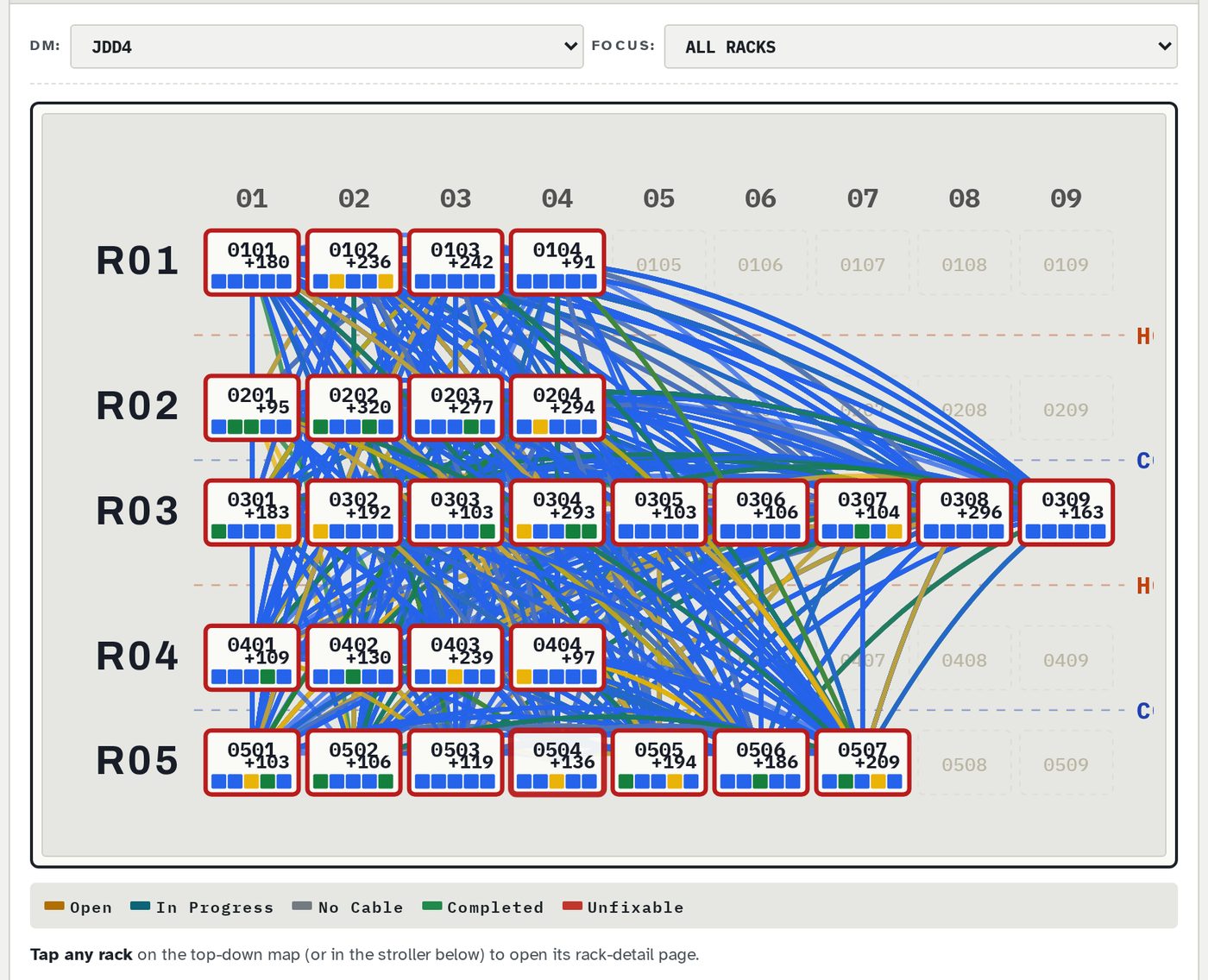
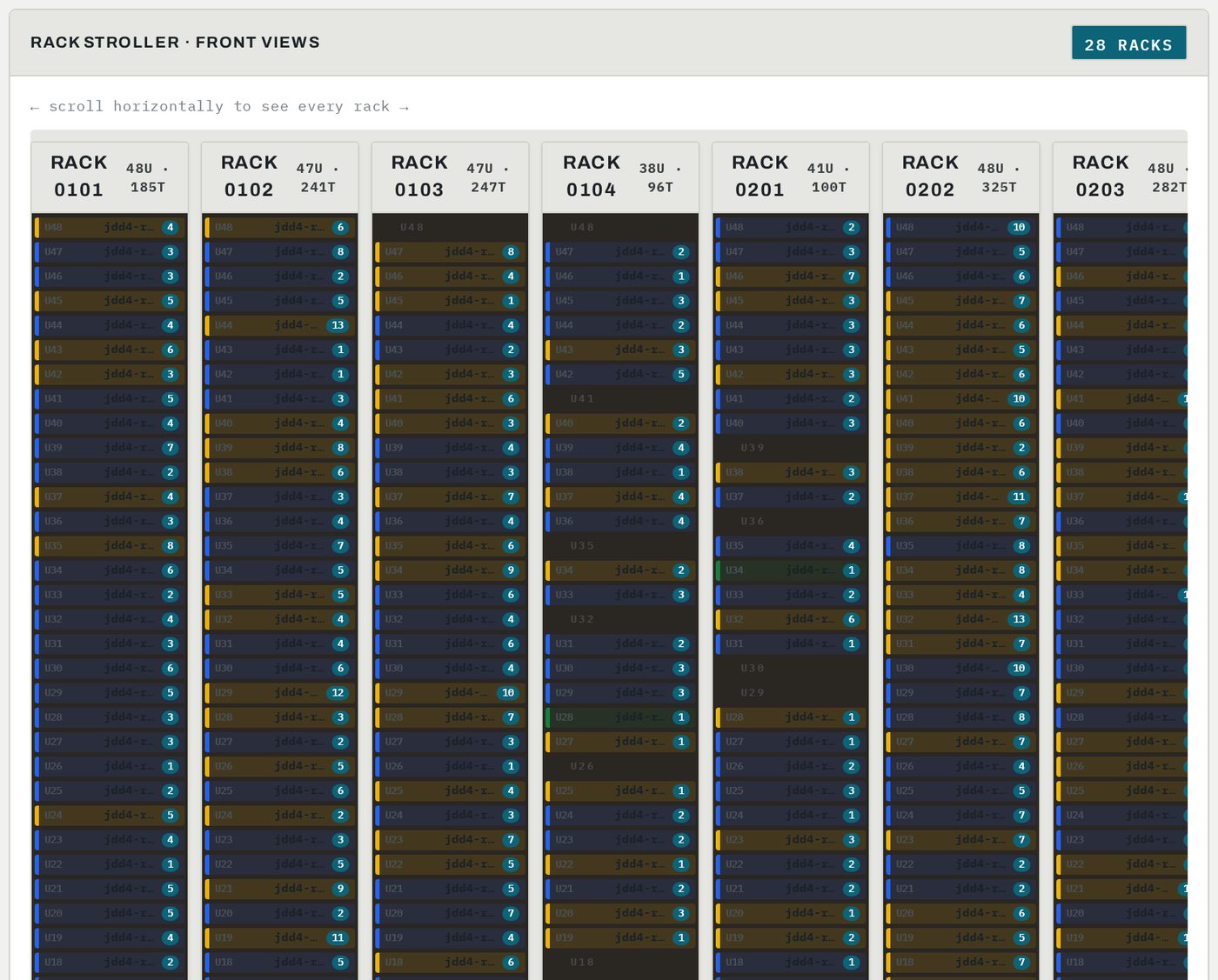
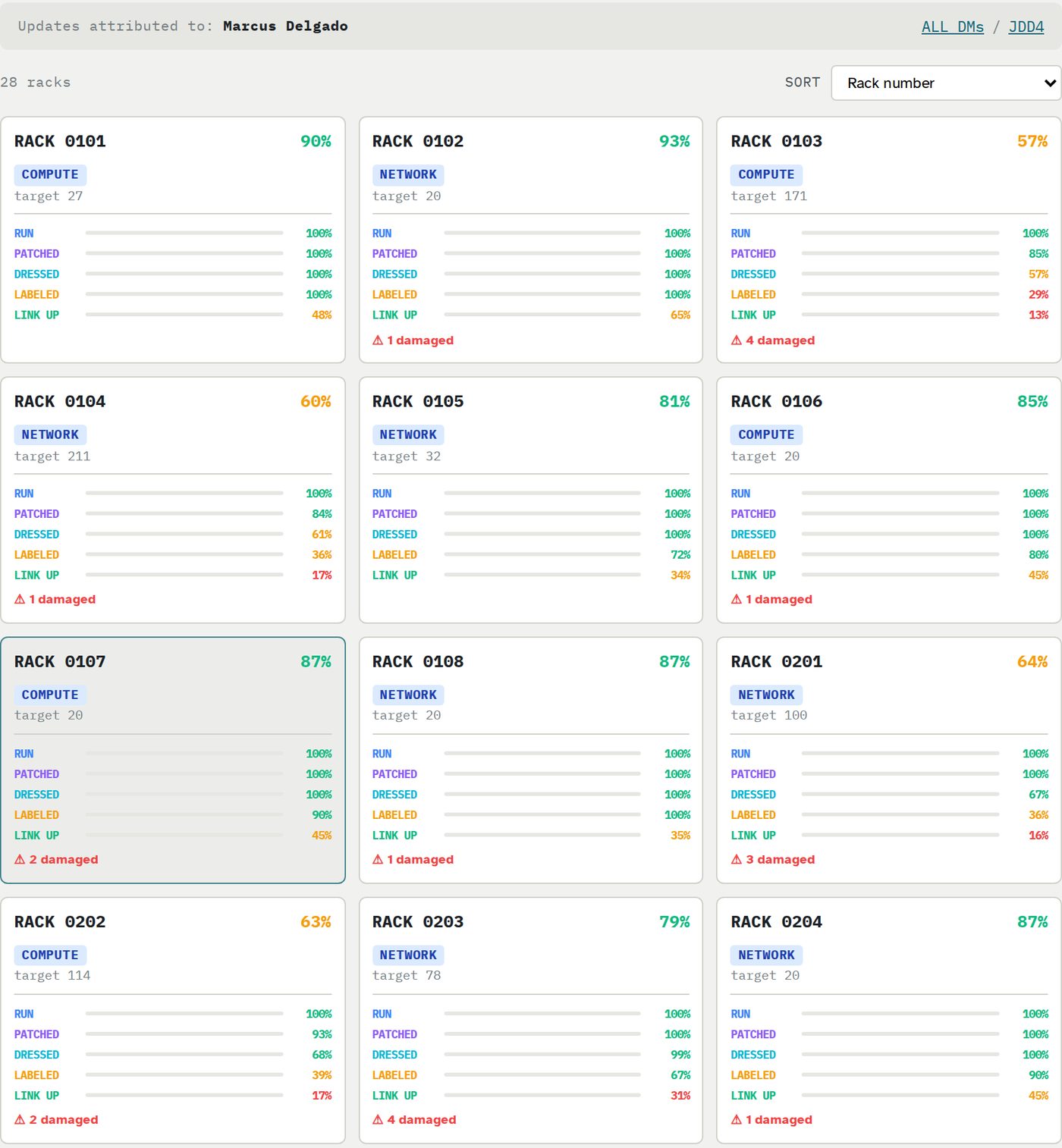
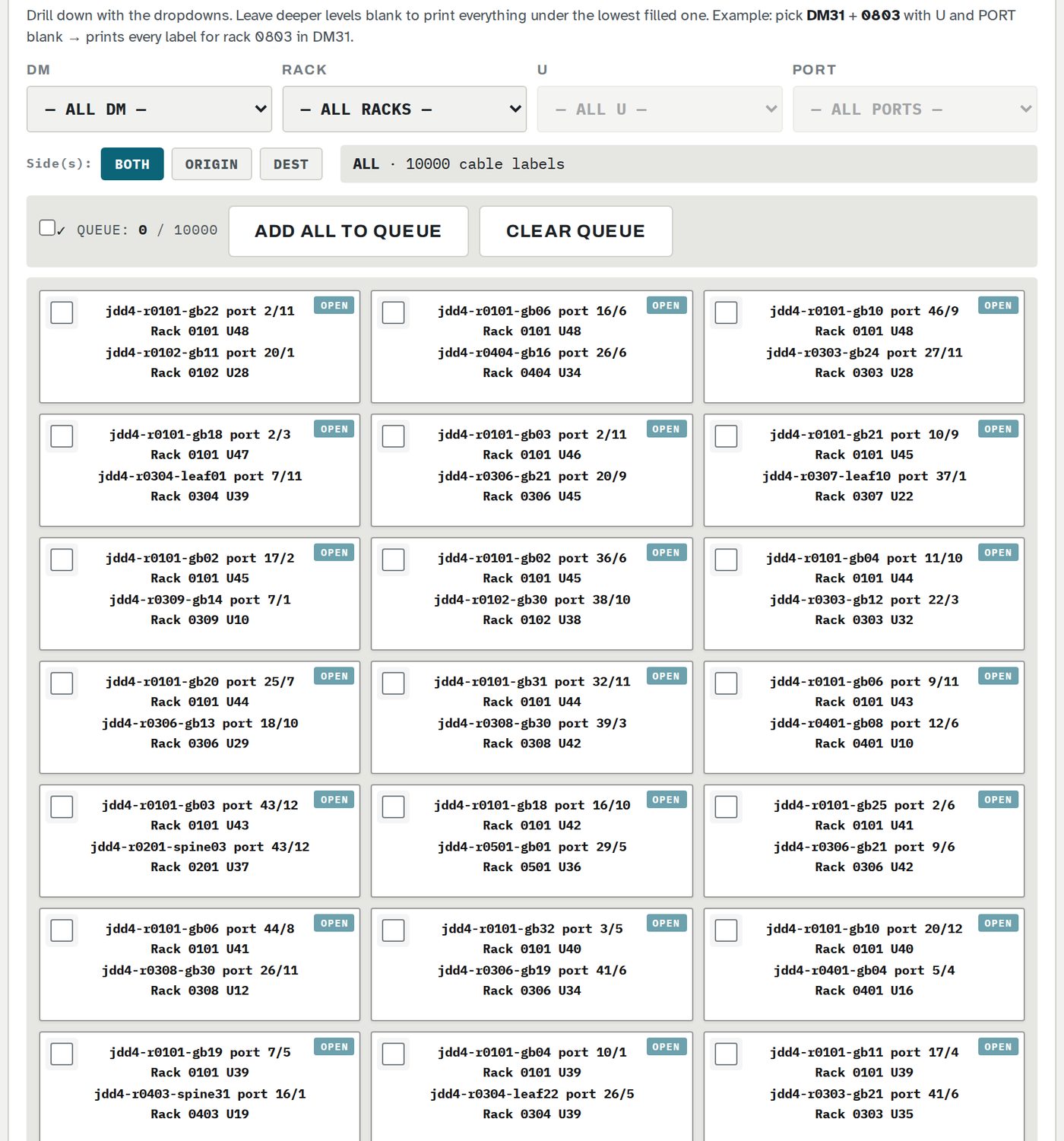
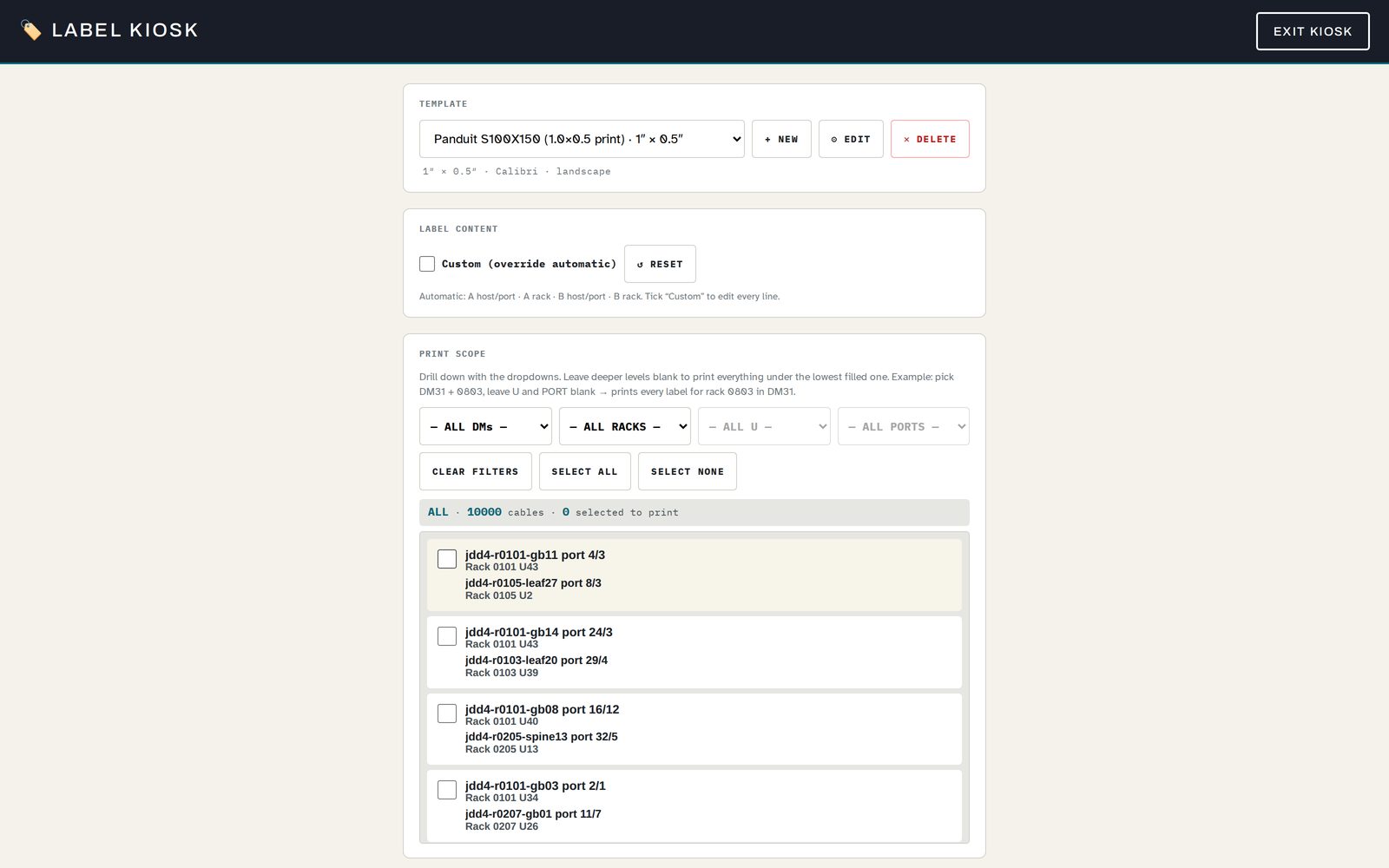
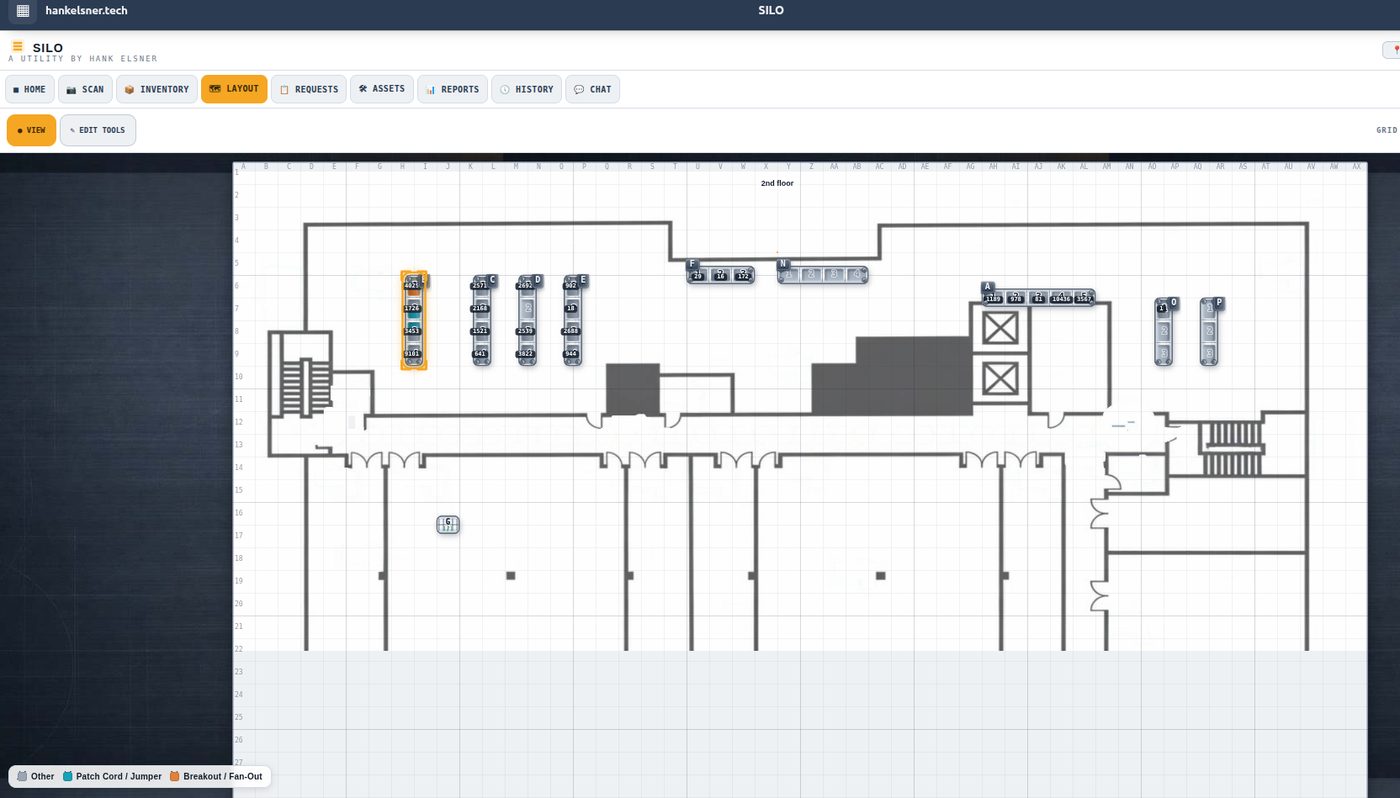
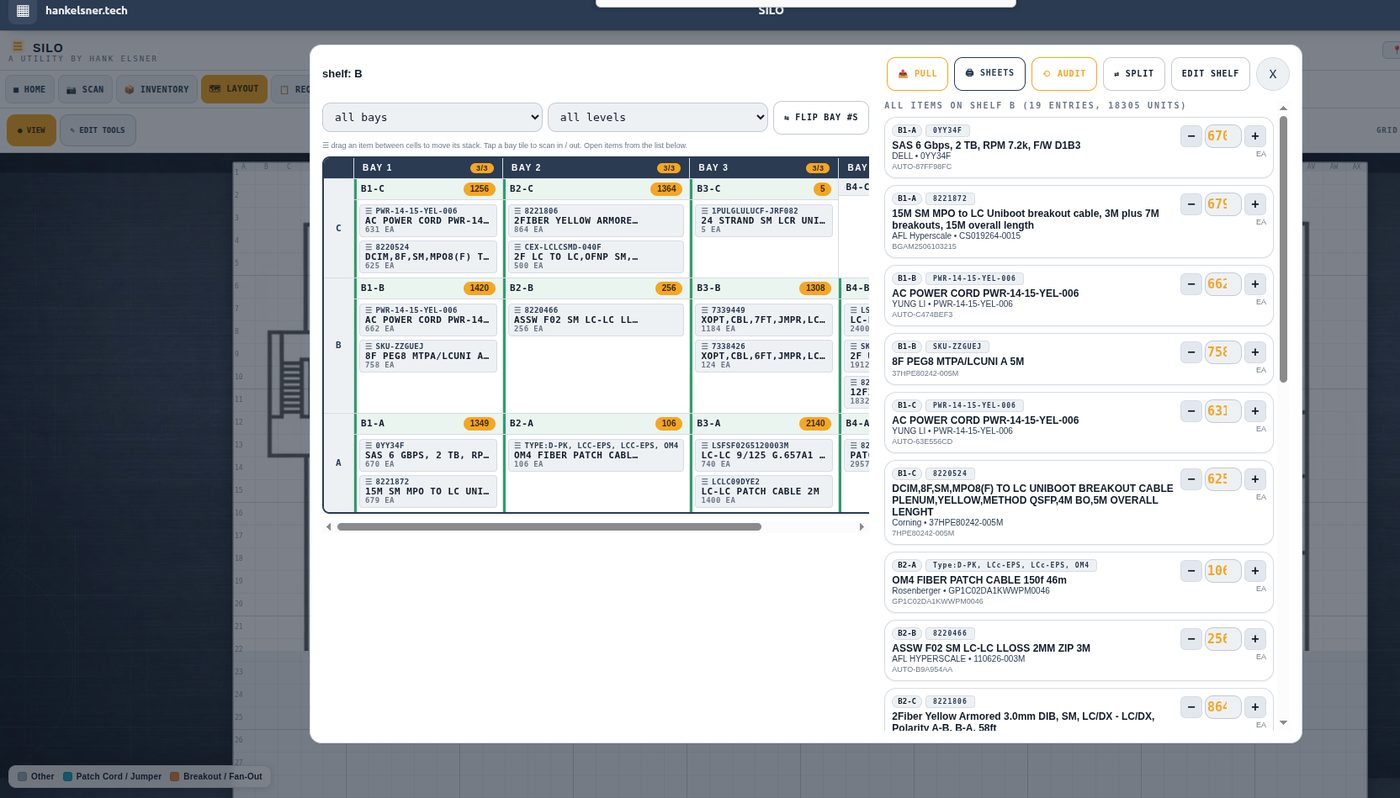
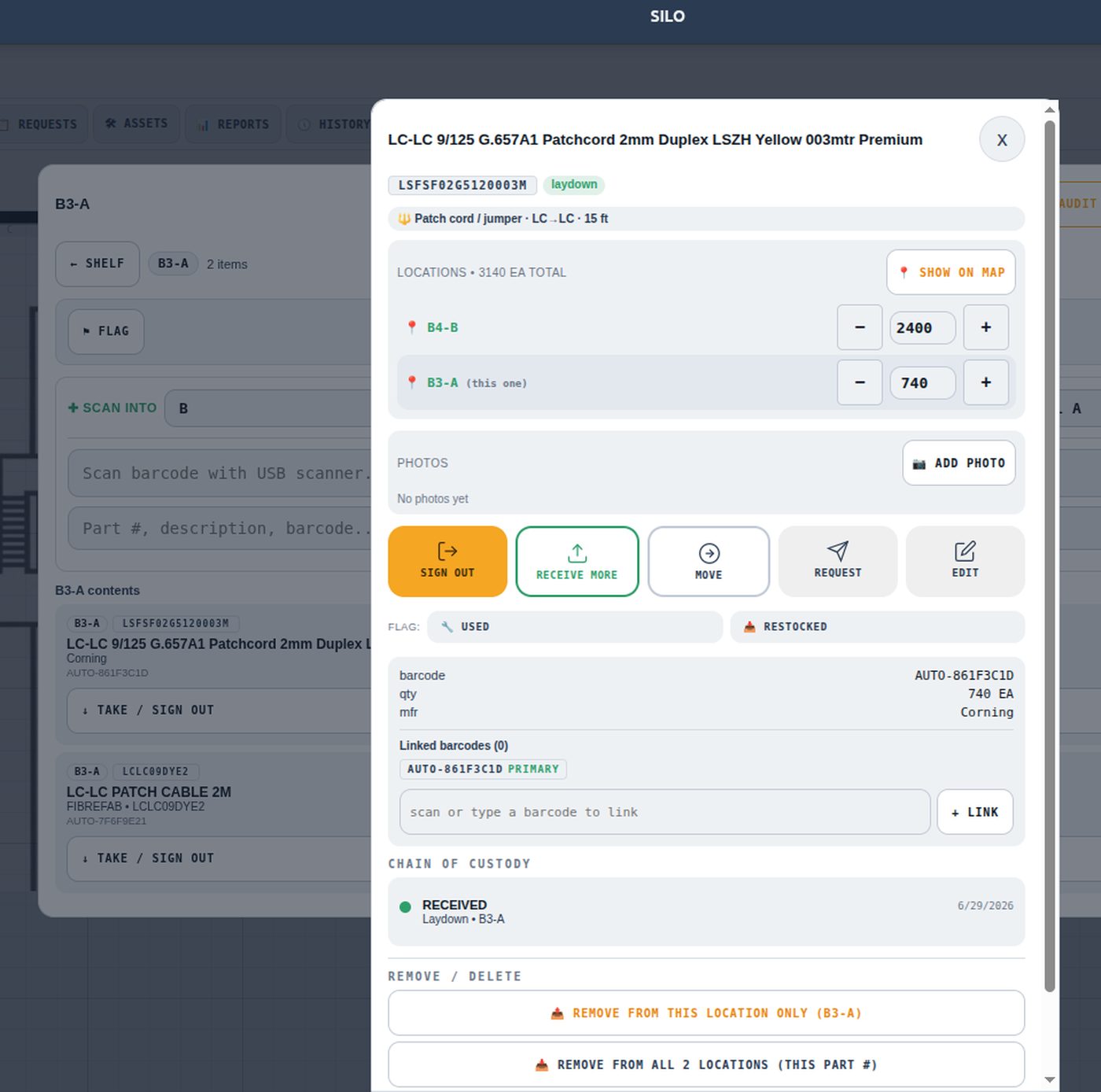
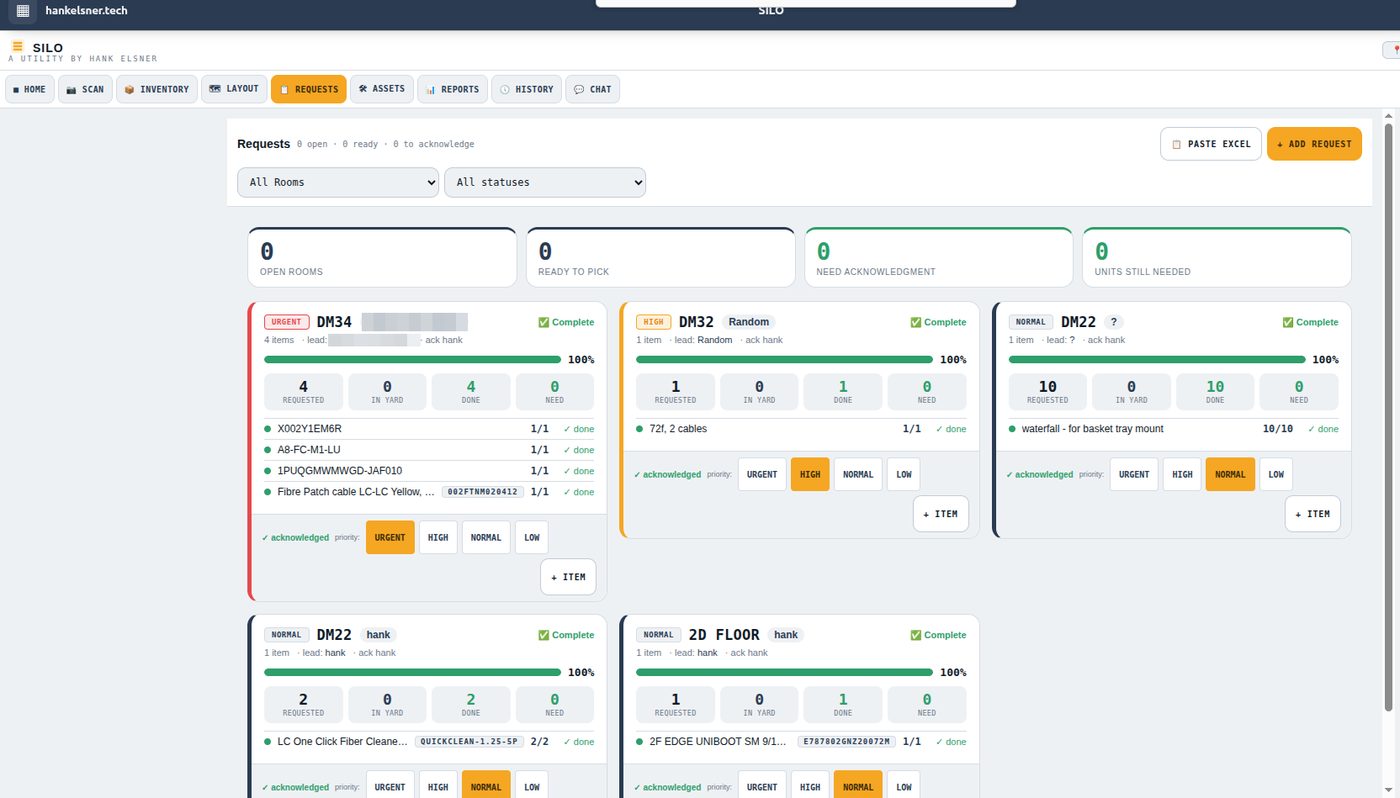
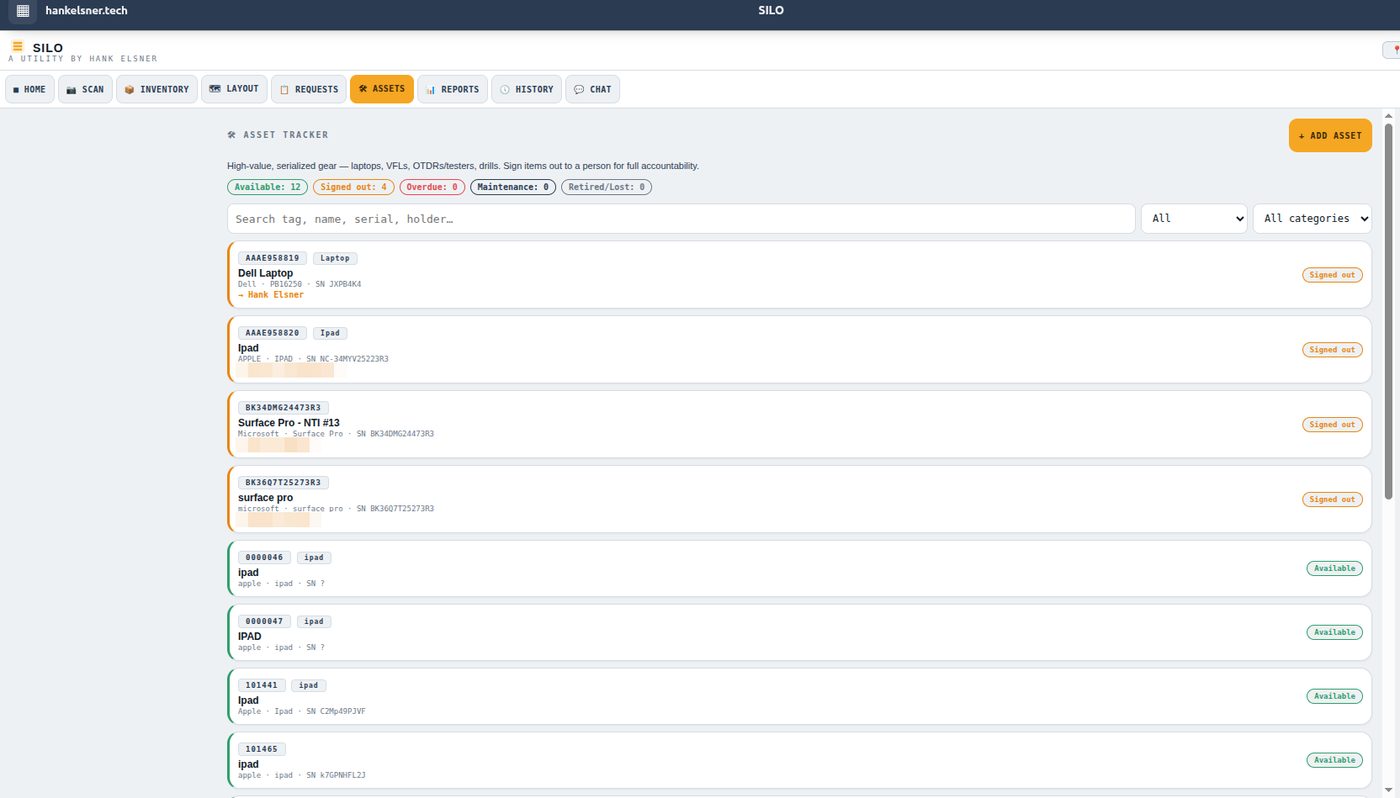
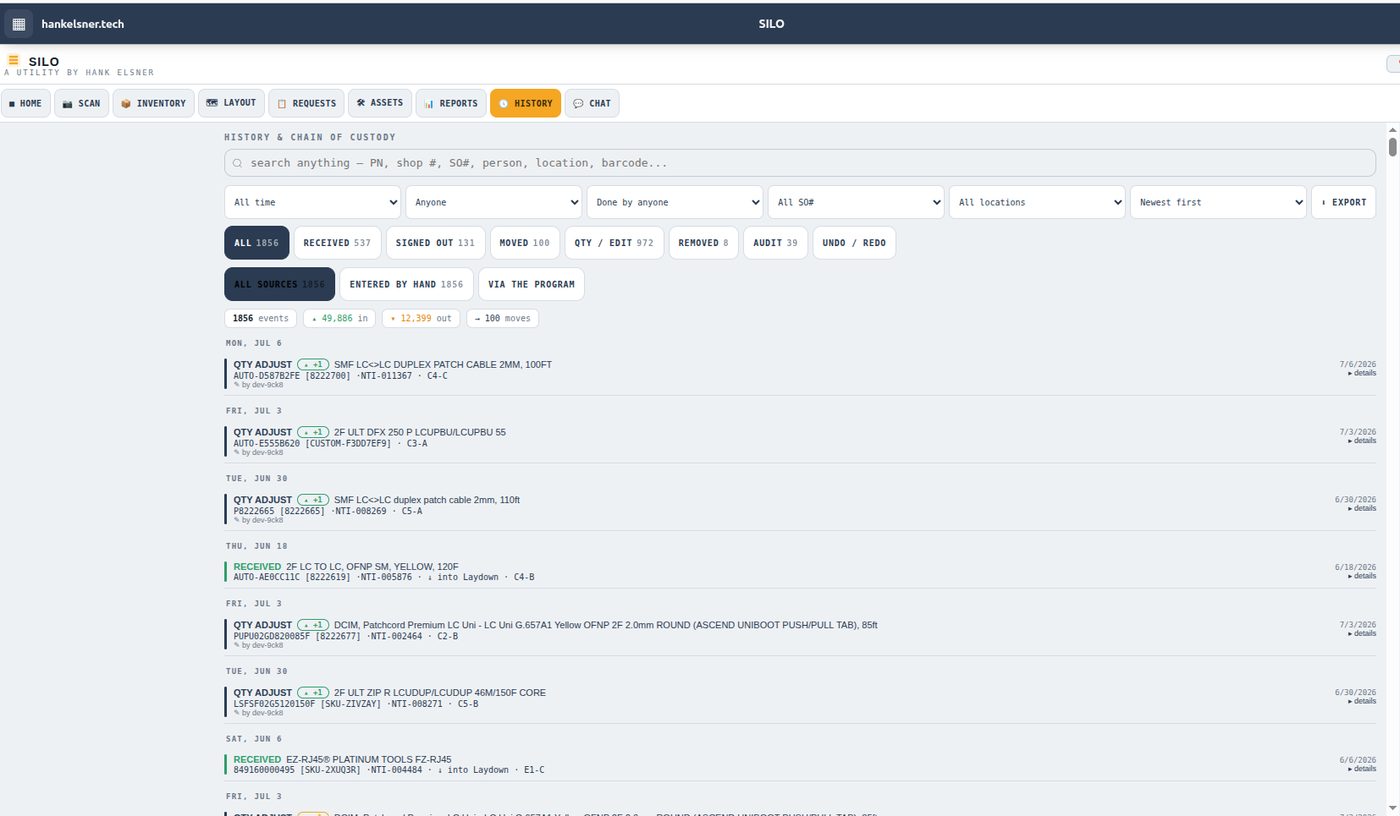
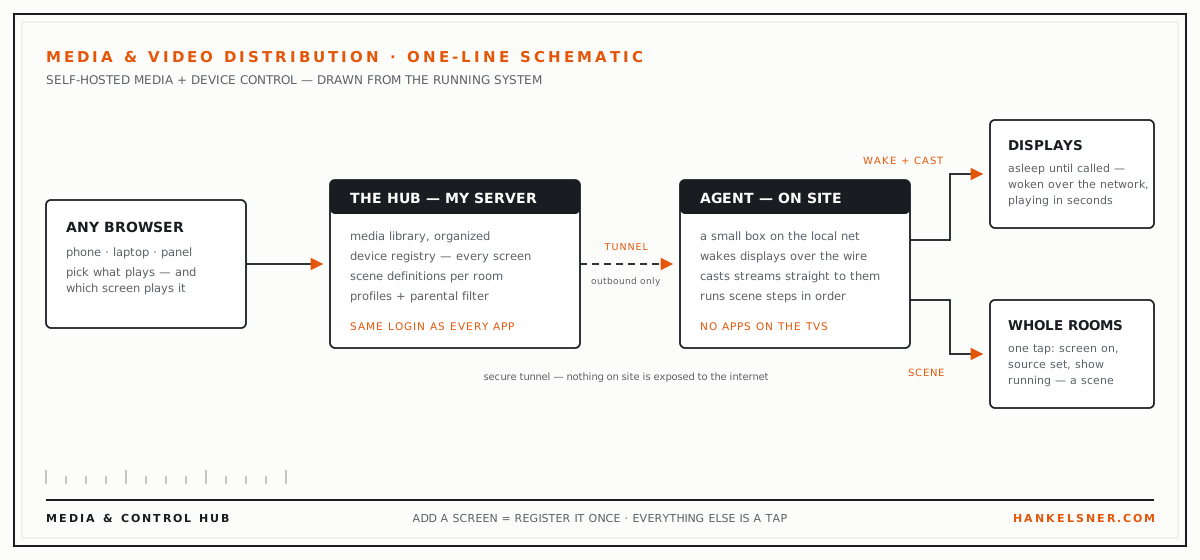
The toolkit screens above run a generated demo build; the yard screens are the live system with names and identifiers blurred; the schematic is drawn from the running media system.
One blank server.
Everything on this page runs on a machine I provisioned myself, from a bare operating system install — no cloud platform, no site builder, no subscriptions. hankelsner.tech is the domain controller: one account signs you into every app, every subdomain gets HTTPS automatically, and when an app needs a home it's live in minutes.
- hankelsner.tech — the domain controller: single sign-on for every app, with new-device approval before a login sticks
- Web server with automatic HTTPS on every subdomain — new apps deploy in minutes
- Full email server for both domains — webmail, spam filtering, catch-all delivery, and phones that configure themselves
- Hank's Phone Service — an AI-answered line every app can place calls and messages through
- Git hosting and a signed package repository — my tools install with a package manager
- Nightly off-site backups — proven by actually restoring them
- Admin panel, a web terminal into the shop, and site-wide push-to-talk
- An AI gateway metering per-app, per-user access
- Media & video distribution automation across the shop's screens
Off the Screen
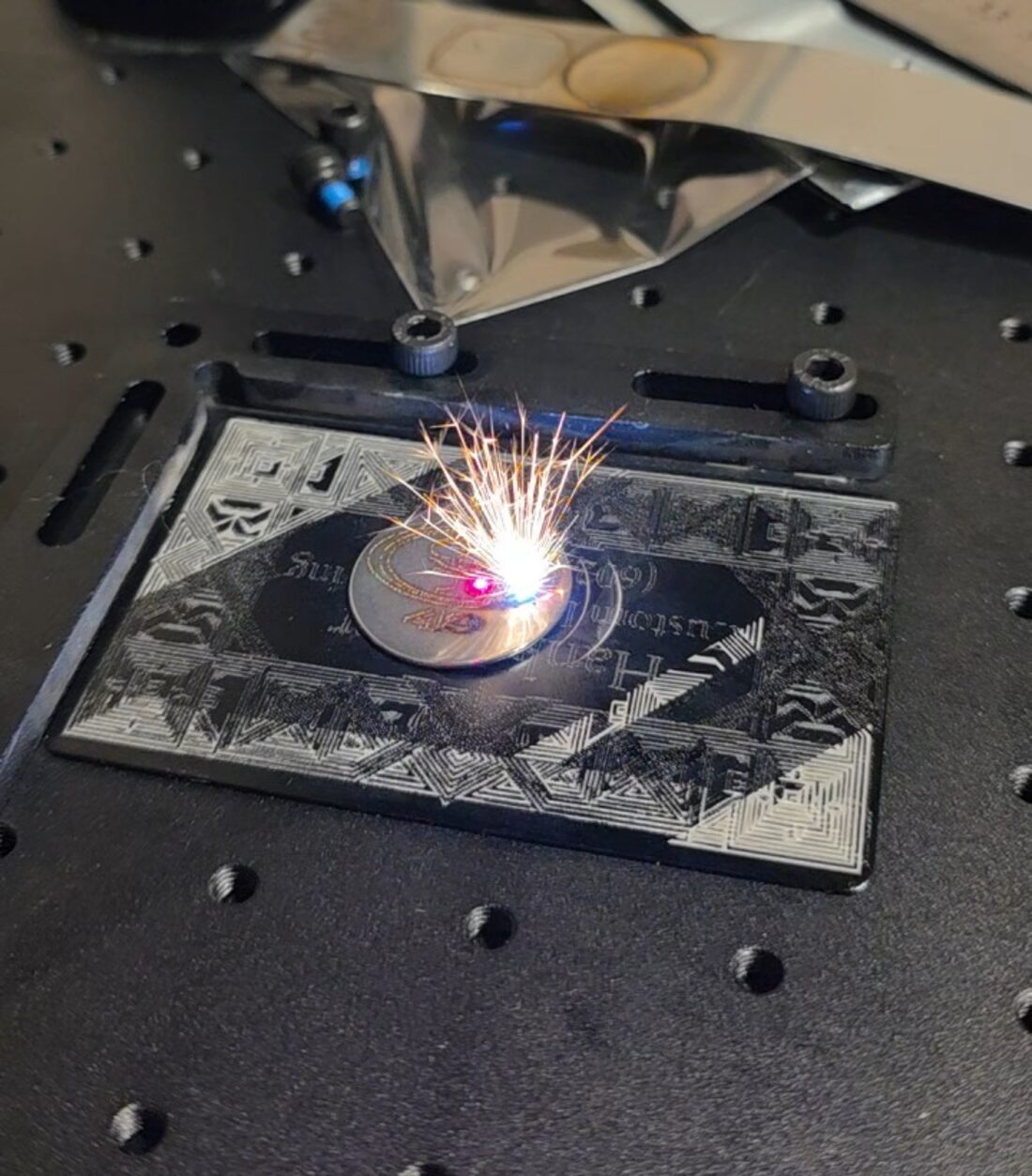
The software above ends in physical things: printed labels on live cable, engraved metal, calibrated machines. I write the drivers, build the fixtures, and tune the hardware the same way I build the apps — until it works on the floor, not just on the bench.
TWENTY-EIGHT YEARS IN
Twenty-eight years working on computers and counting. I'm the handyman of the digital age: if it computes, I'll open it up. Embedded controllers, Linux drivers, machine tuning — the depth under the apps comes from having taken the hardware apart first.
The full picture, in slides.
A short presentation of the capabilities — software, hardware, infrastructure — with the Build Log woven in. Arrow keys or swipe.